

Switch workspaces
Workspace picker
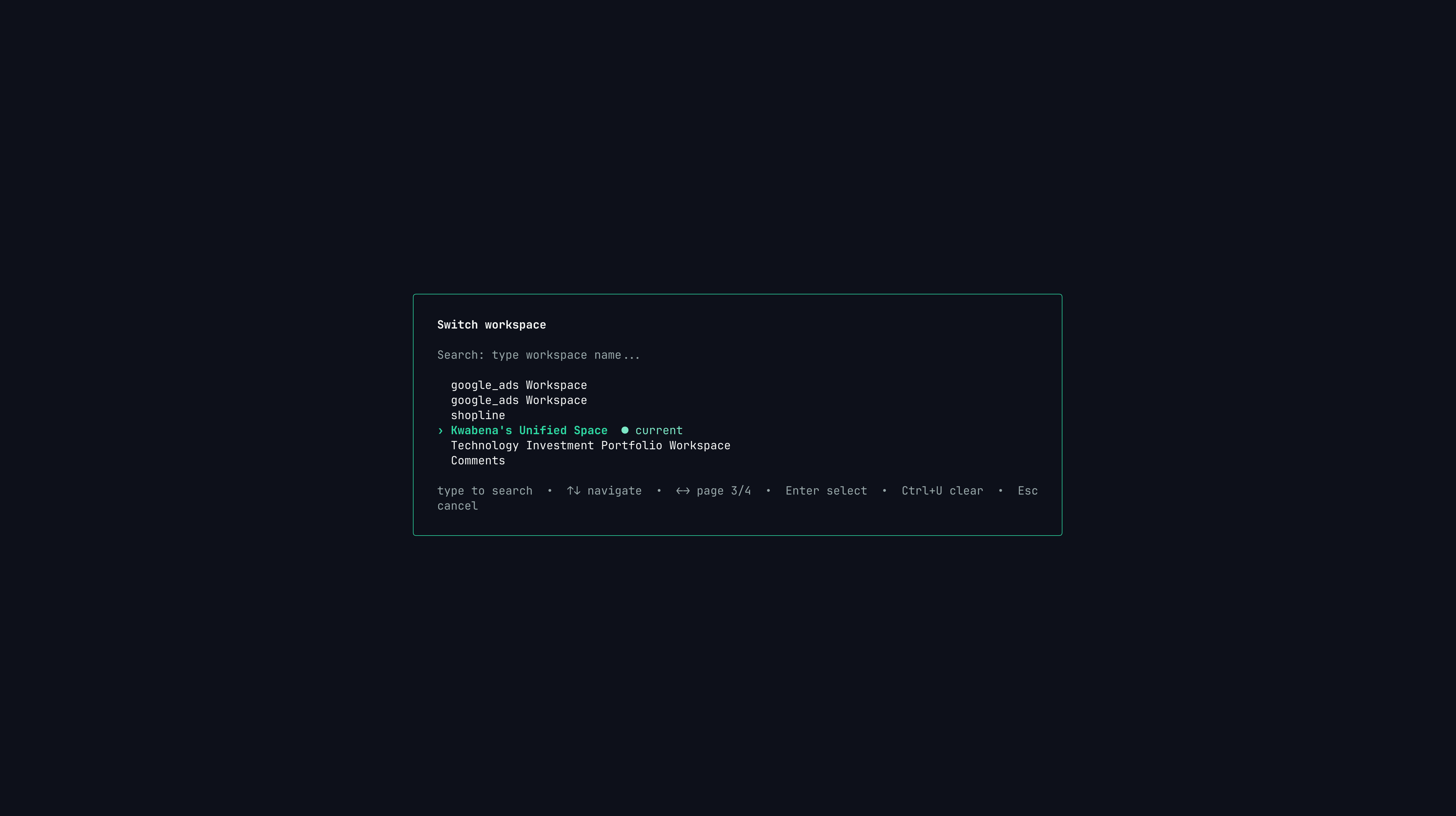
Use Ctrl+W to search and switch workspaces without leaving the TUI.
Ctrl+W from the chat screen to open the workspace picker.
The current workspace is marked in the picker. Unified workspaces are also labeled so you can quickly return to the combined view.
List workspaces from the CLI
--api-url when testing against a non-default API host.
Create a database workspace
Default ports:
After submission, Papermap creates the workspace row and verifies the database connection asynchronously.
The command returns when the workspace is created. Connection verification continues in the background.
Local workspace cache
The TUI caches workspace metadata locally so launch and switching feel fast.papermap workspace create and papermap workspace list refresh this cache. papermap auth logout clears it.
If the cache is stale, run:
What belongs in the web app?
The CLI supports standard database workspace creation today. Use the Papermap web app for flows that need browser-based authorization or richer setup screens.OAuth integrations
Stripe, QuickBooks, Google Ads, and similar OAuth-backed sources should be created from the web app.
File uploads
Sheets and CSV uploads should be configured from the web app.
Visual dashboard editing
Use the web app when you need drag-and-drop dashboard building or broader workspace administration.
Billing and team settings
Manage plans, users, permissions, and billing from the web app.
Next steps
Navigate the TUI
Learn workspace shortcuts, history, model switching, and shell mode.
Troubleshooting
Fix missing workspaces, stale cache, login, and shell errors.