

Build your first agent
Create a project, activate an agent, and inspect its first successful run.
Connect a private worker
Turn typed Python functions into governed AIR tools.
Create runs from your app
Start, wait for, inspect, and cancel runs with the Python SDK.
Explore the Python SDK
Reference
AirClient, workers, tools, errors, and environment variables.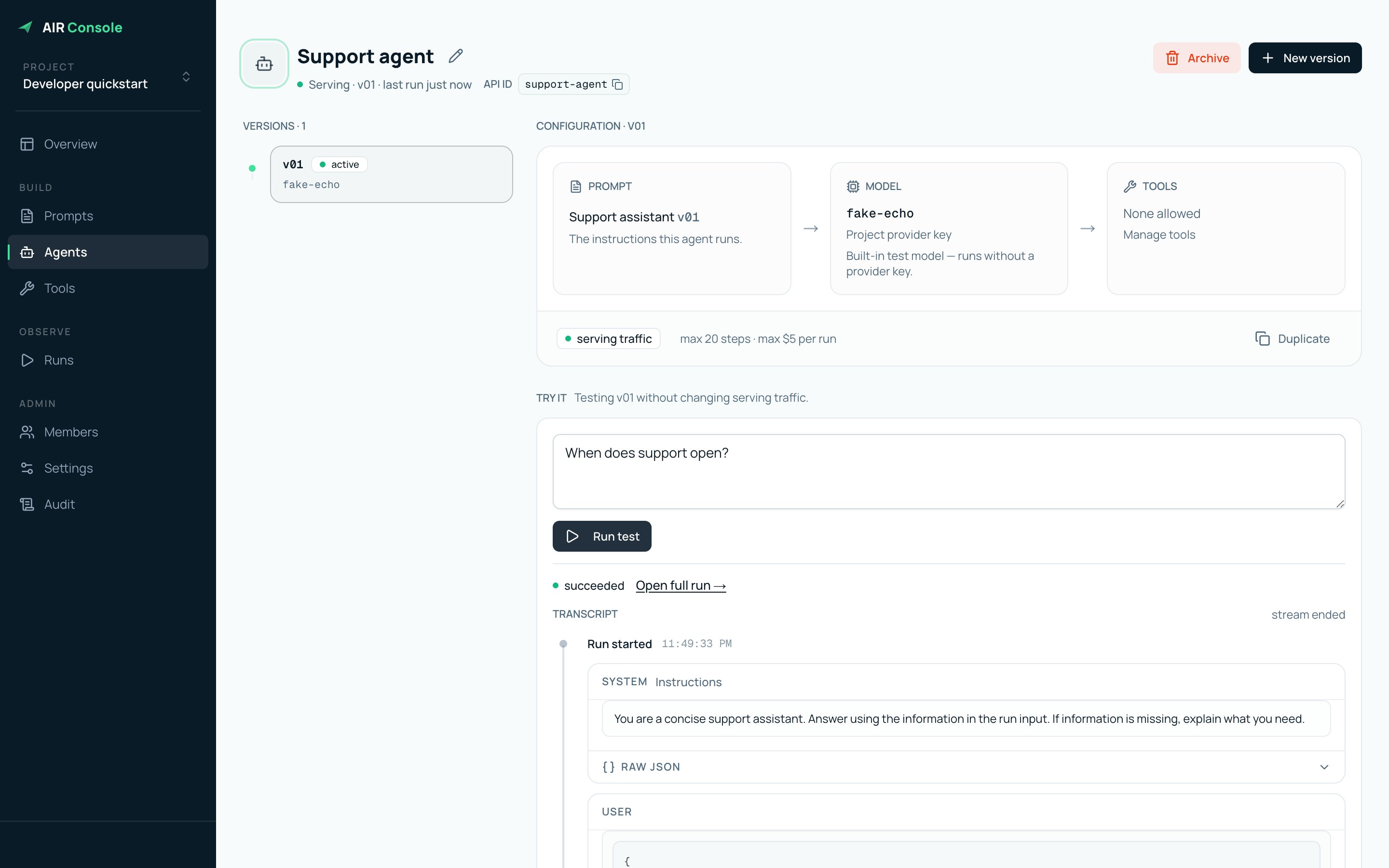
An active AIR agent, its immutable configuration, and the built-in test console.
Select any screenshot in these guides to open the full-resolution view.
One runtime, two connections
- Your application creates runs with an app key.
- AIR executes the active agent version and records its trace.
- Your worker connects outbound with a worker key and executes approved tools.
Staging console: dev.air.papermap.ai. Staging
API:
https://dev.airapi.papermap.ai.