

Documentation Index
Fetch the complete documentation index at: https://docs.papermap.ai/llms.txt
Use this file to discover all available pages before exploring further.
Bookmarks & Notes
Found a valuable insight? Bookmark it. Alan lets you save any response so you can come back to it later.How to Bookmark
Click the bookmark icon on any message from Alan to save it.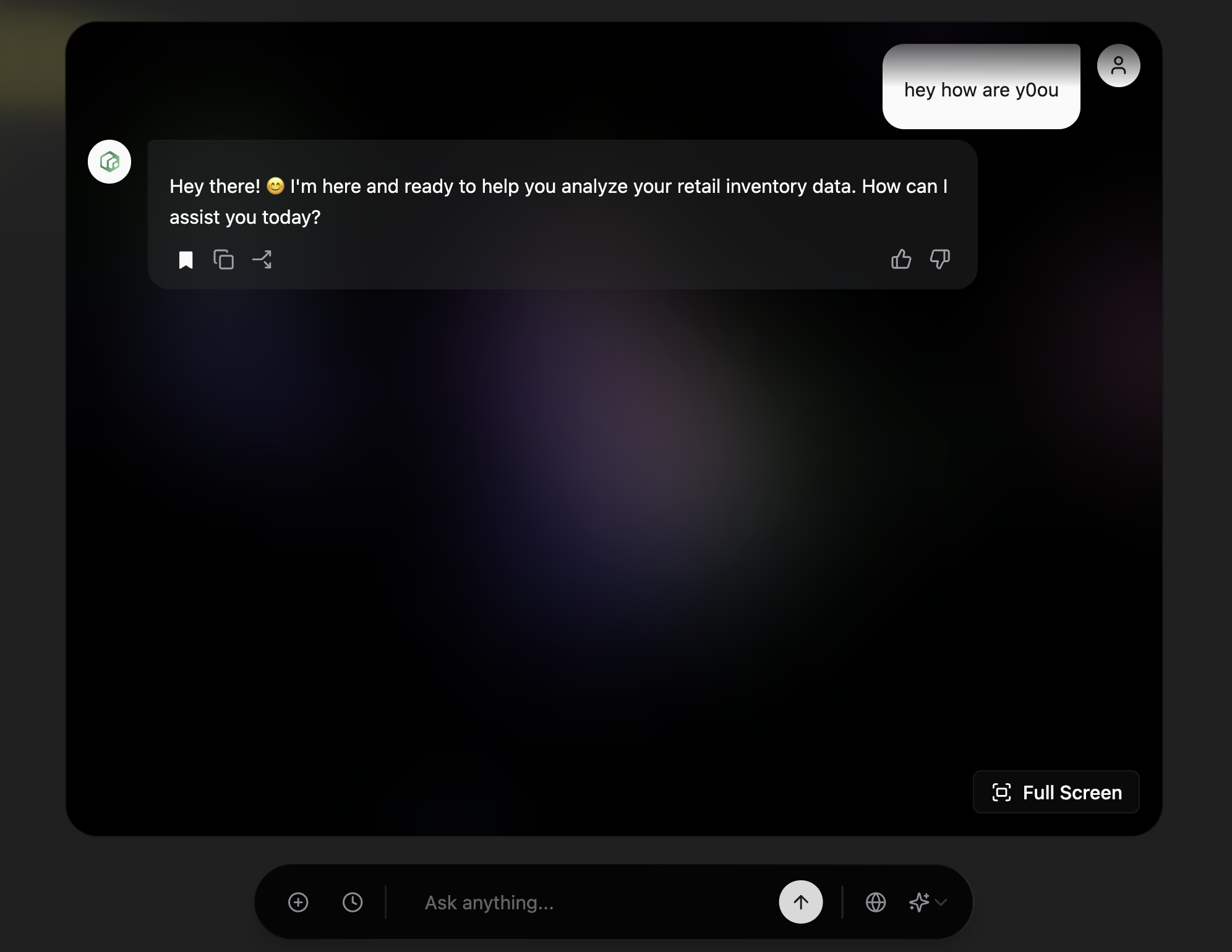
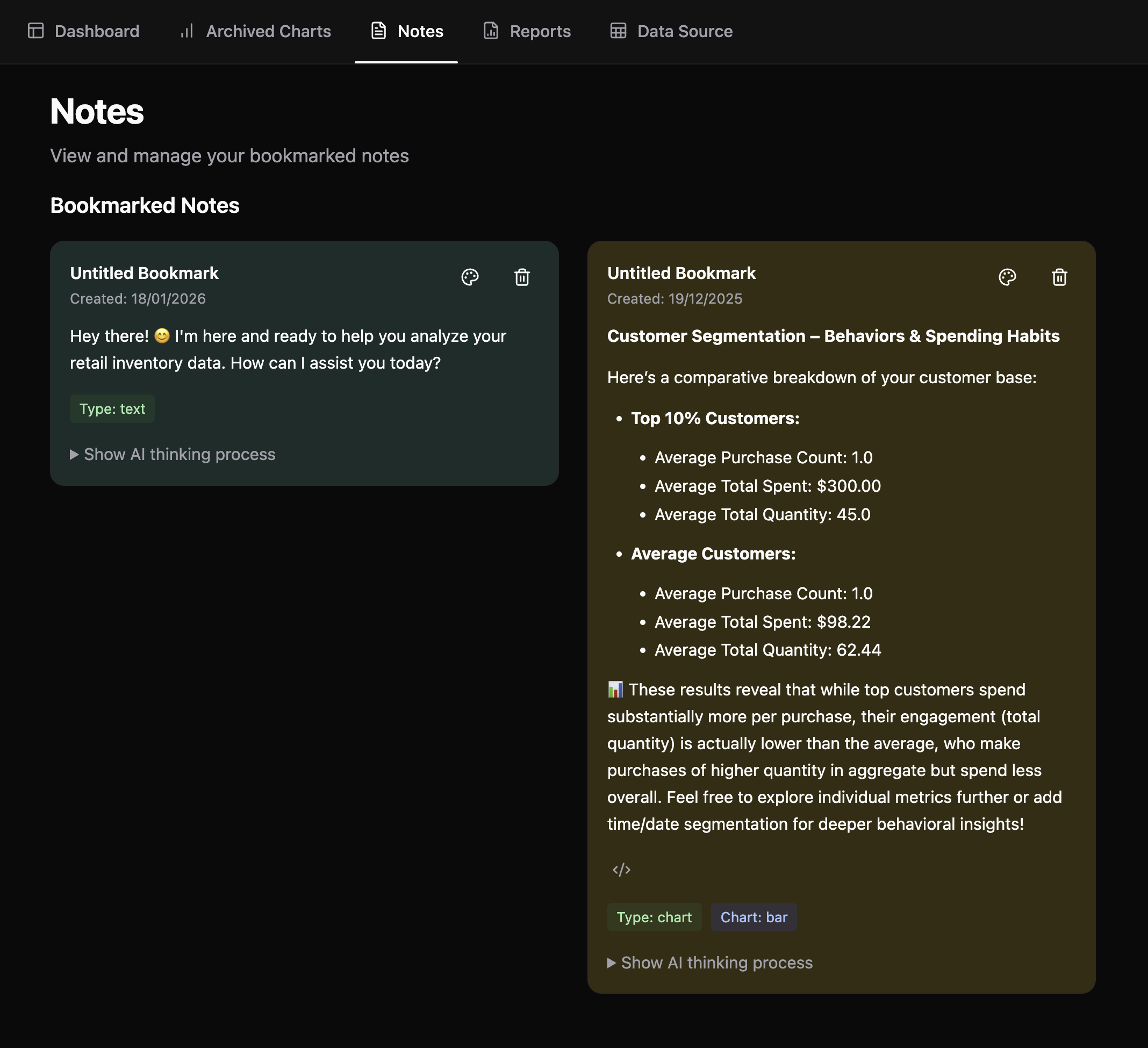
View Your Bookmarks
All your bookmarked insights are saved in the Notes tab, where you can:- Review saved responses anytime
- See the AI thinking process behind each response
- Delete bookmarks you no longer need
Why Use Bookmarks
- Capture key findings - Save important insights before moving on
- Build a knowledge base - Collect related analyses in one place
- Quick reference - Jump back to valuable responses without searching through chat history
Get Started
Try Papermap Free
Create your account and start exploring your data in minutes
Book a Demo
See Papermap in action with a personalized walkthrough