> ## Documentation Index
> Fetch the complete documentation index at: https://docs.papermap.ai/llms.txt
> Use this file to discover all available pages before exploring further.
# Branching Chats
> Branch conversations with Alan to explore different questions without losing your original context.
# Branching Chats
When chatting with Alan, you can branch off from any point in the conversation to explore a new direction while keeping your original thread intact.
## How It Works
Spotted an insight worth exploring further? Instead of cluttering your main conversation, click the **branch icon** on any message to start a new chat from that exact point.
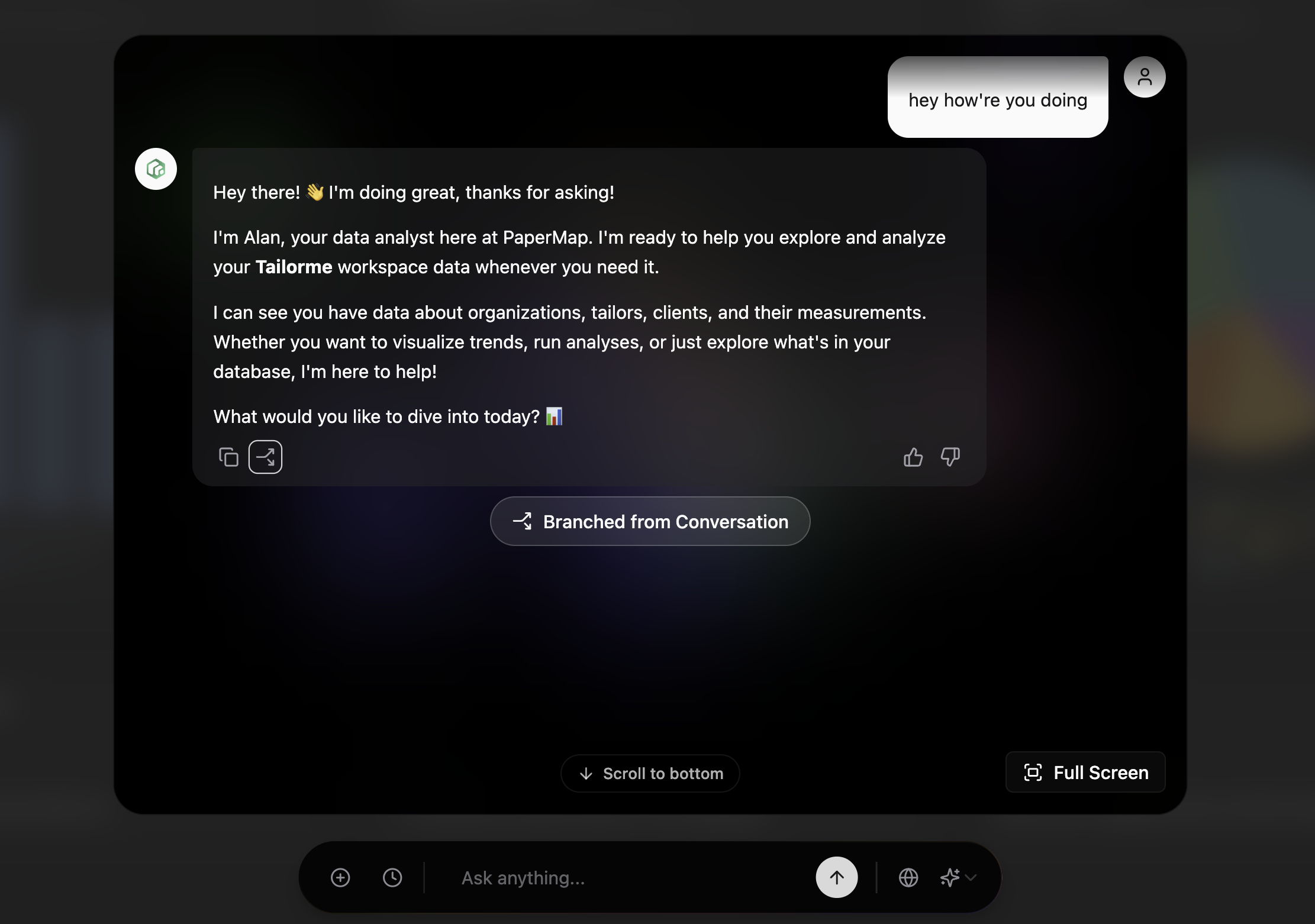 Your branched conversation inherits all the context up to that message, so Alan knows exactly where you left off.
## When to Use Branching
* **Explore "what if" scenarios** without losing your original analysis
* **Dive deeper** into a specific insight while keeping the main thread clean
* **Compare different approaches** to the same question side by side
## Get Started
Create your account and start exploring your data in minutes
See Papermap in action with a personalized walkthrough
Your branched conversation inherits all the context up to that message, so Alan knows exactly where you left off.
## When to Use Branching
* **Explore "what if" scenarios** without losing your original analysis
* **Dive deeper** into a specific insight while keeping the main thread clean
* **Compare different approaches** to the same question side by side
## Get Started
Create your account and start exploring your data in minutes
See Papermap in action with a personalized walkthrough