> ## Documentation Index
> Fetch the complete documentation index at: https://docs.papermap.ai/llms.txt
> Use this file to discover all available pages before exploring further.
# Security
> Protect AIR credentials, tenant data, workers, and tool permissions.
## Use the narrowest credential
* Put an **app key** only in the service that creates runs.
* Put a **worker key** only in the process that executes private tools.
* Never use a console session or platform-admin token in application code.
* Use separate credentials for staging and production.
* Rotate app and worker keys independently.
Store credentials in a managed secret store. Never commit them, bake them into
an image, log them, or pass a worker key through `--key` in a shared environment.
## Authorize inside every tool
Agent-generated arguments are untrusted. Validate every value before using it
in a query, URL, or shell command. When a tool receives `context`, verify that
the requested object belongs to the authenticated tenant.
```python theme={null}
from air import tool
@tool
def get_invoice(invoice_id: str, context: dict) -> dict:
"""Read an invoice owned by the current tenant."""
tenant_id = context["tenant_id"]
invoice = load_invoice(invoice_id=invoice_id, tenant_id=tenant_id)
return invoice.to_safe_dict()
```
## Grant capability in layers
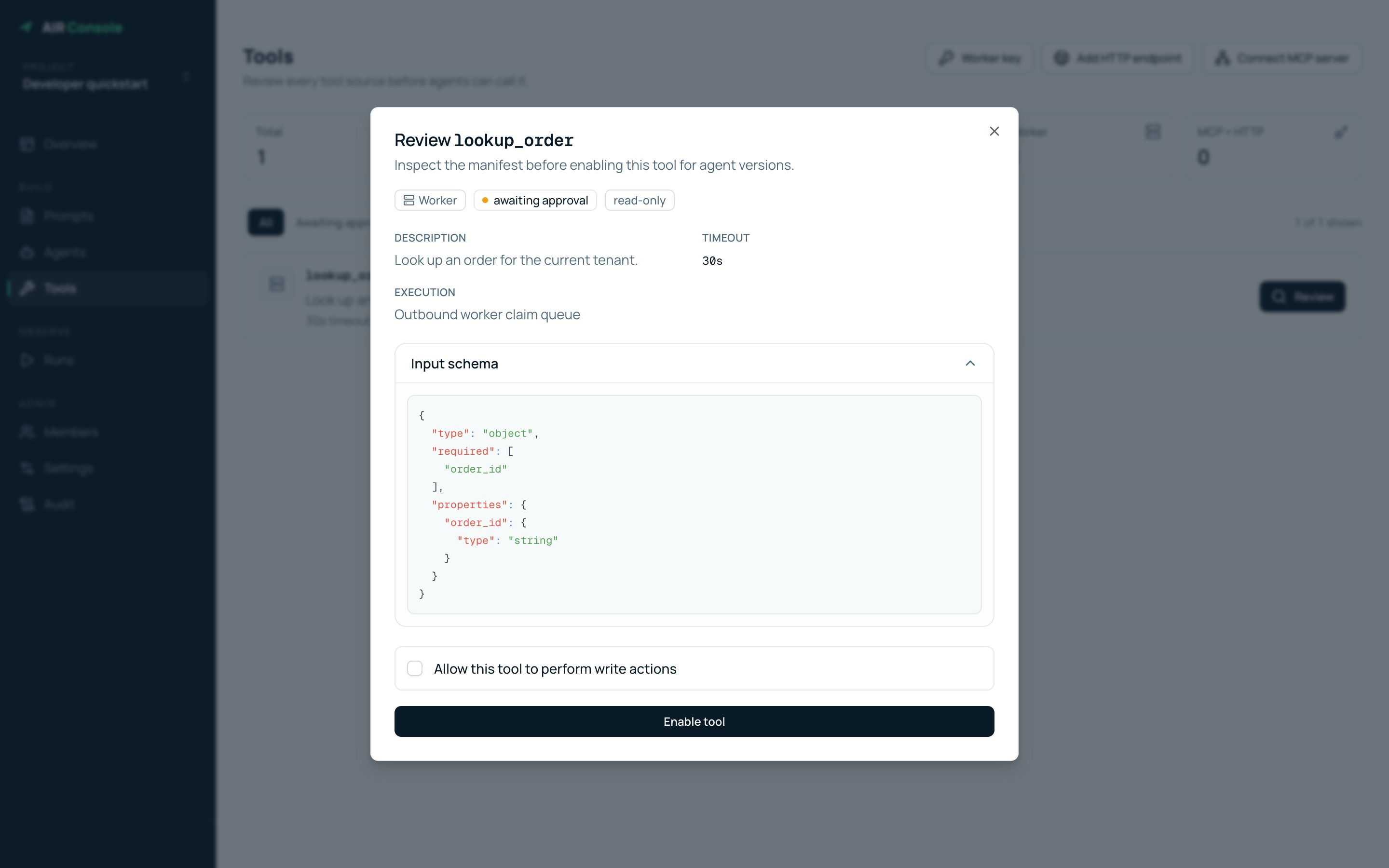
1. A worker registers a manifest.
2. A project owner reviews and enables the tool.
3. An agent version explicitly includes the tool.
4. The tool enforces tenant and object authorization at execution time.
 ## Respond to an exposed key
Revoke it immediately, issue a replacement, update the affected deployment,
and inspect recent runs, worker registrations, and audit events for unexpected
activity.
## Respond to an exposed key
Revoke it immediately, issue a replacement, update the affected deployment,
and inspect recent runs, worker registrations, and audit events for unexpected
activity.